How do I undo a change?
Updated October 12, 2026
The short answer
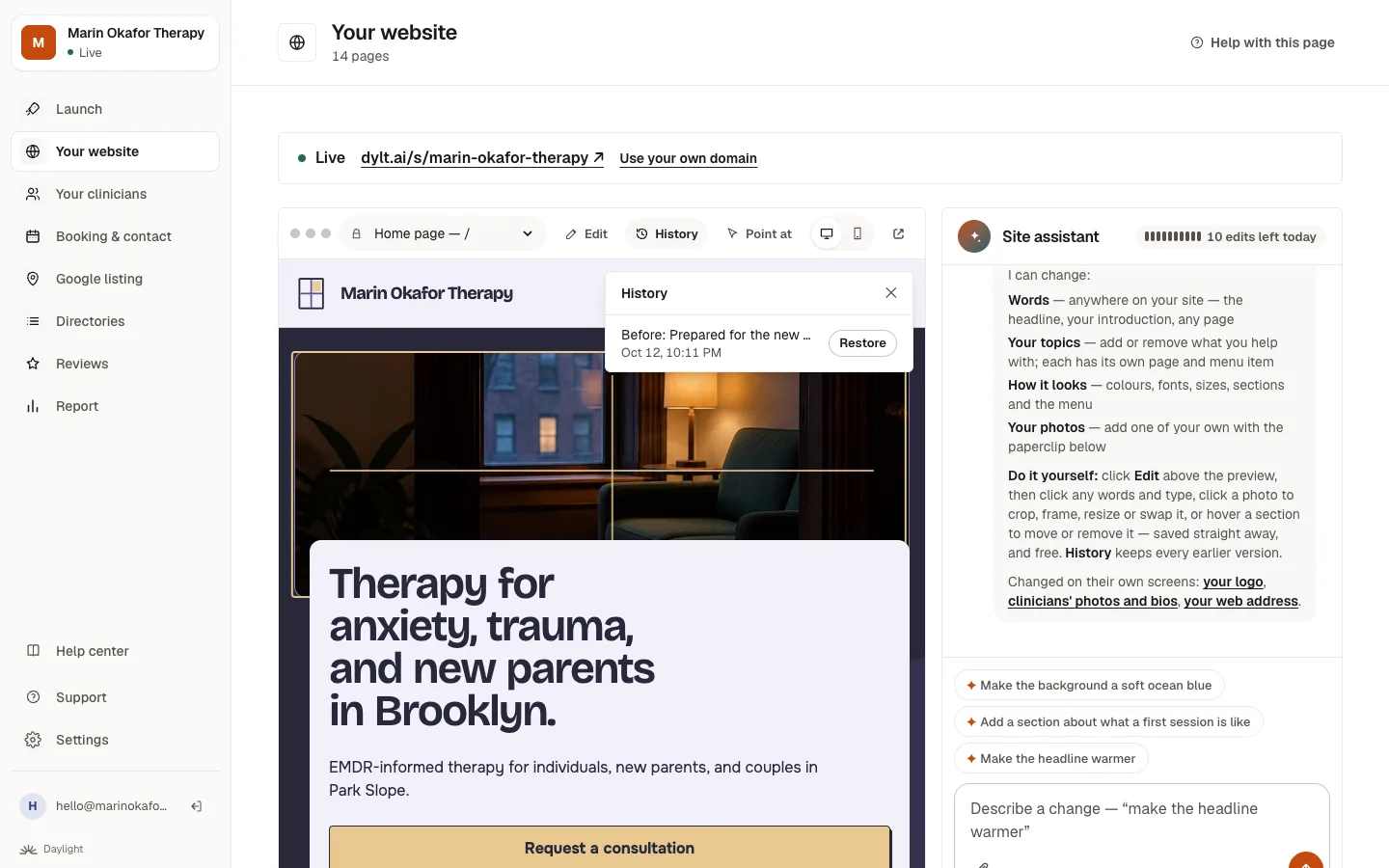
Click Undo under the change in the chat, or open History above your site and click Restore next to any earlier version. Nothing is ever lost.
Undo the last change
Right after a change, an Undo button appears under it in the chat. Click it and your site goes back to how it was. Undoing is always free.
Go back further
- Click History above your site.
- Find the version you want. Each one is labelled with the change that came after it.
- Click Restore.
Related questions
Still stuck? Ask a person.
Tell us what you're trying to do. A real person reads every message and replies within a few hours.