How do I add my privacy policy and terms?
Updated October 12, 2026
The short answer
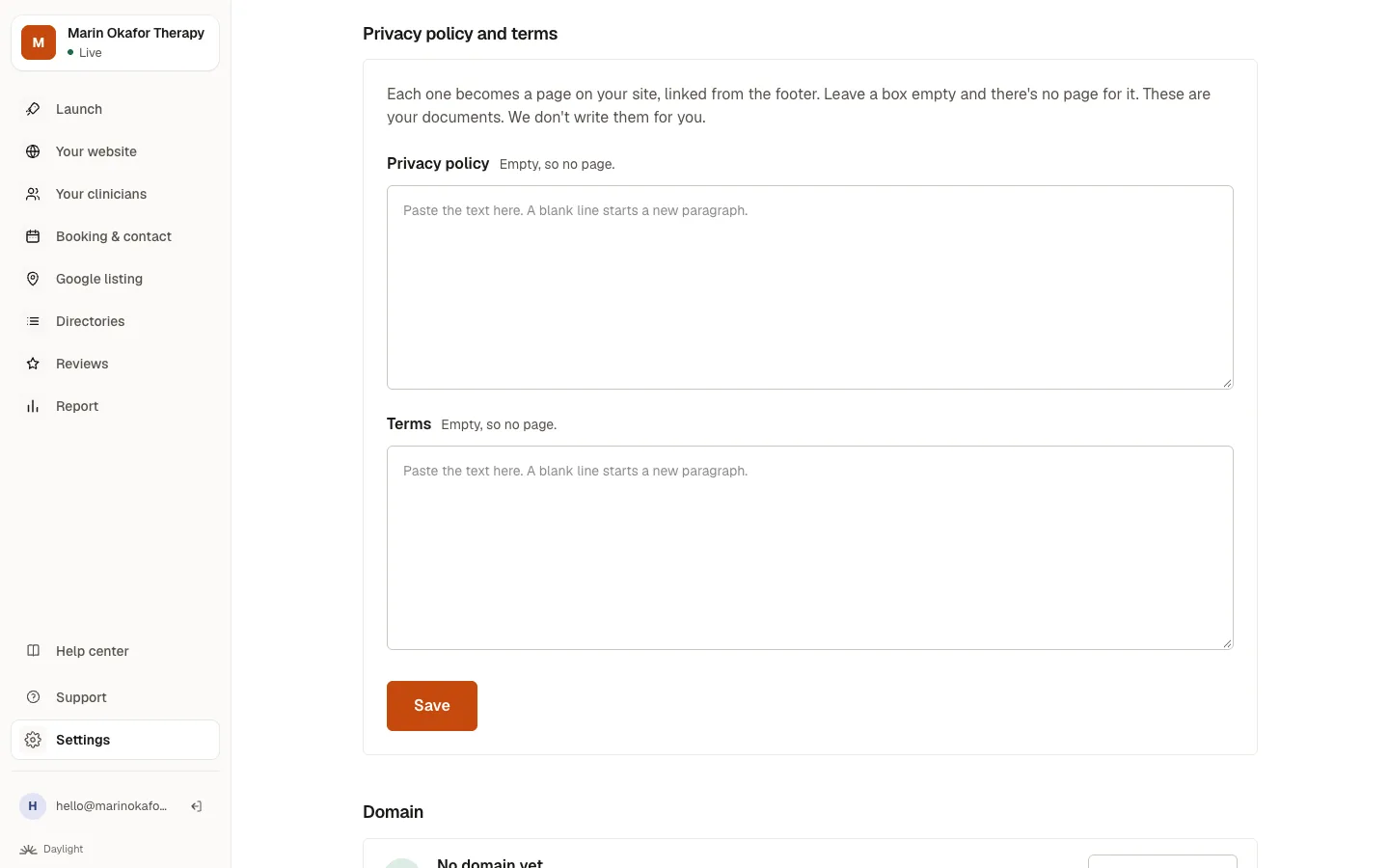
Open Settings, find Privacy policy and terms, and paste your own (or copy them from your old website). Each becomes a page on your site, linked at the bottom of every page.
Step by step
- Open Settings and scroll to Privacy policy and terms.
- Paste your text into each box. If you had a website before, you can click Copy from my current website instead.
- Read it through, then click Save.
Good to know
- These are your documents. We copy or show them, but we don't write them for you.
- Leave a box empty and there's no page for it.
- Your Good Faith Estimate notice can go on your Fees page. Ask in Your website to add it.
Related questions
Still stuck? Ask a person.
Tell us what you're trying to do. A real person reads every message and replies within a few hours.