How do I put my site on my own web address?
Updated October 18, 2026
The short answer
Open Launch and click Connect followed by your address. A window opens: sign in to the company where you bought it, approve, and we add the settings for you. It works with any domain company, takes a couple of minutes, and your email keeps working.
Before you start
- Your site needs to be live first. Put it live.
- You'll need to sign in to wherever you bought your address, like GoDaddy, Squarespace or Namecheap. Any company works.
- This isn't a transfer. Your address stays where you bought it, so there's no 60-day transfer lock, and your email keeps working.
Step by step
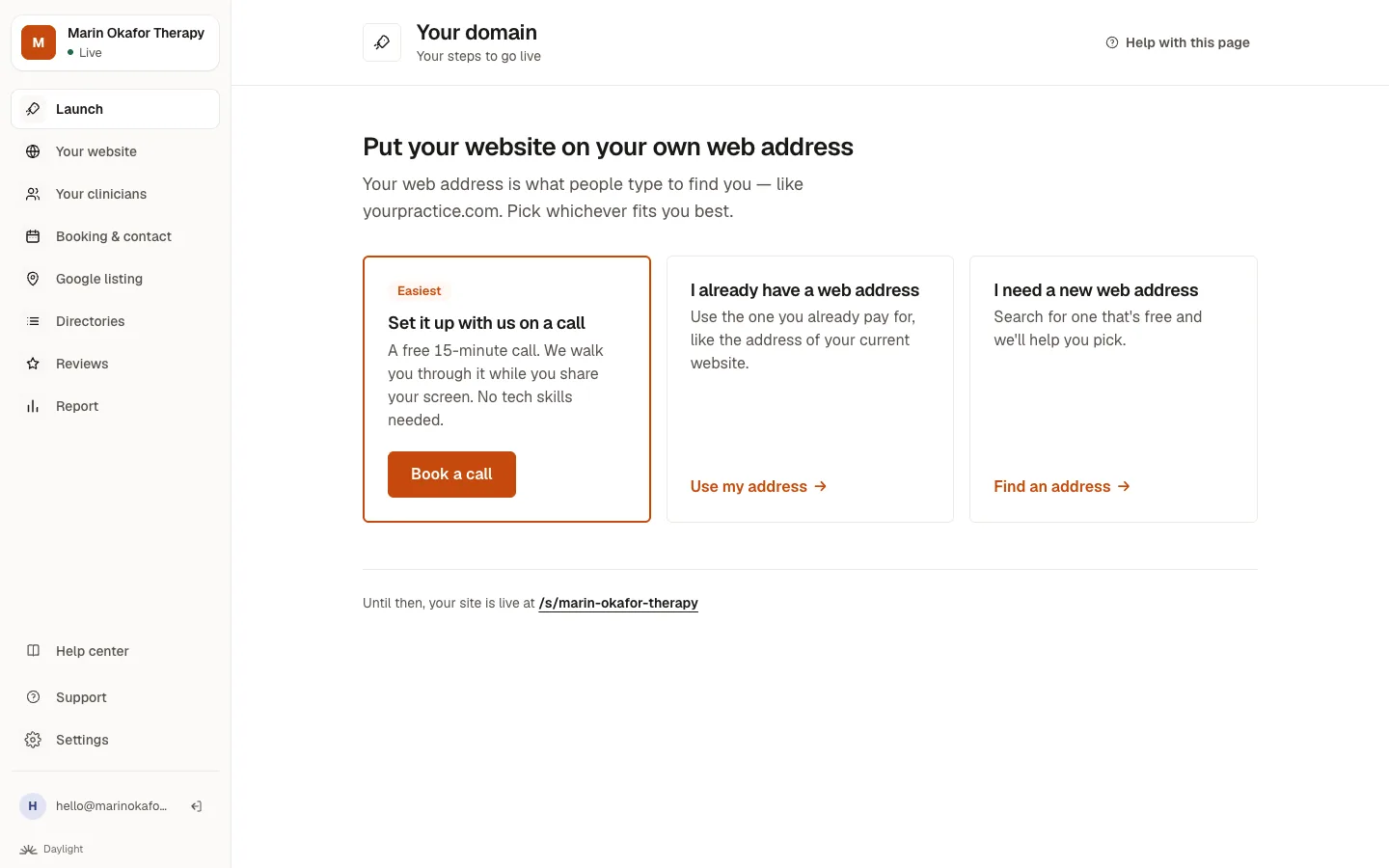
- Open Launch and click Connect yourpractice.com (it shows your own address). You'll find the same button under Your domain.
- A window opens. Pick the company where you bought your address and sign in there, in the window.
- Approve the change. We add the settings for you, and the window closes by itself.
- That's it. We check by ourselves and put your site on your address, usually within a few minutes. We email you when it's live.
Good to know: If your company isn't one the window can sign in to, it shows you the exact lines to add, and checks them for you.
Rather do it yourself?
- On Your domain, click I have an address under Rather do it yourself?, type your address, and click Continue.
- Log in to the company where you bought it in another tab and find the DNS settings (where they are at each company). Add the lines we show you; each box has a Copy button. What the lines mean
- Come back to the page. It checks by itself, or click Check now, and shows when it's working.
Good to know: If a line with the same Type and Name already exists, change it instead of adding a second one.
Can't log in, or someone else manages it?
Click No, or I'm not sure, then Send the steps to whoever set it up: your old web designer, IT person or a family member. We email them exactly what to do, and you can watch it happen. More about this
Prefer to do it together? Choose Set it up with us on a call for a free 15-minute call while you share your screen.
Common questions
How long does it take?
Will my email stop working?
Do I need to transfer my domain to you?
What happens to my old website?
Related questions
Still stuck? Ask a person.
Tell us what you're trying to do. A real person reads every message and replies within a few hours.