What do the checks on my Google listing screen mean?
Updated October 15, 2026
The short answer
We check six things on your listing: that it's claimed, its description, its link to your website, its photos, its opening hours and its phone number. Green is fine. Anything else shows what we saw and what to fix, and two questions only you can answer.
The six checks
| Check | Why it matters |
|---|---|
| Claimed | Only a claimed listing can be kept up to date, and Google trusts it more. |
| Description | Your own words about what you help with and where. We write one for you. |
| Website link | Sends people from Google to your site, and tells Google the two belong together. |
| Photographs | Listings with real photos of you and your office get more clicks. |
| Opening hours | Without them Google shows “Hours not stated”, which puts people off. |
| Phone number | So people can call straight from Google. |
Two things only you can see
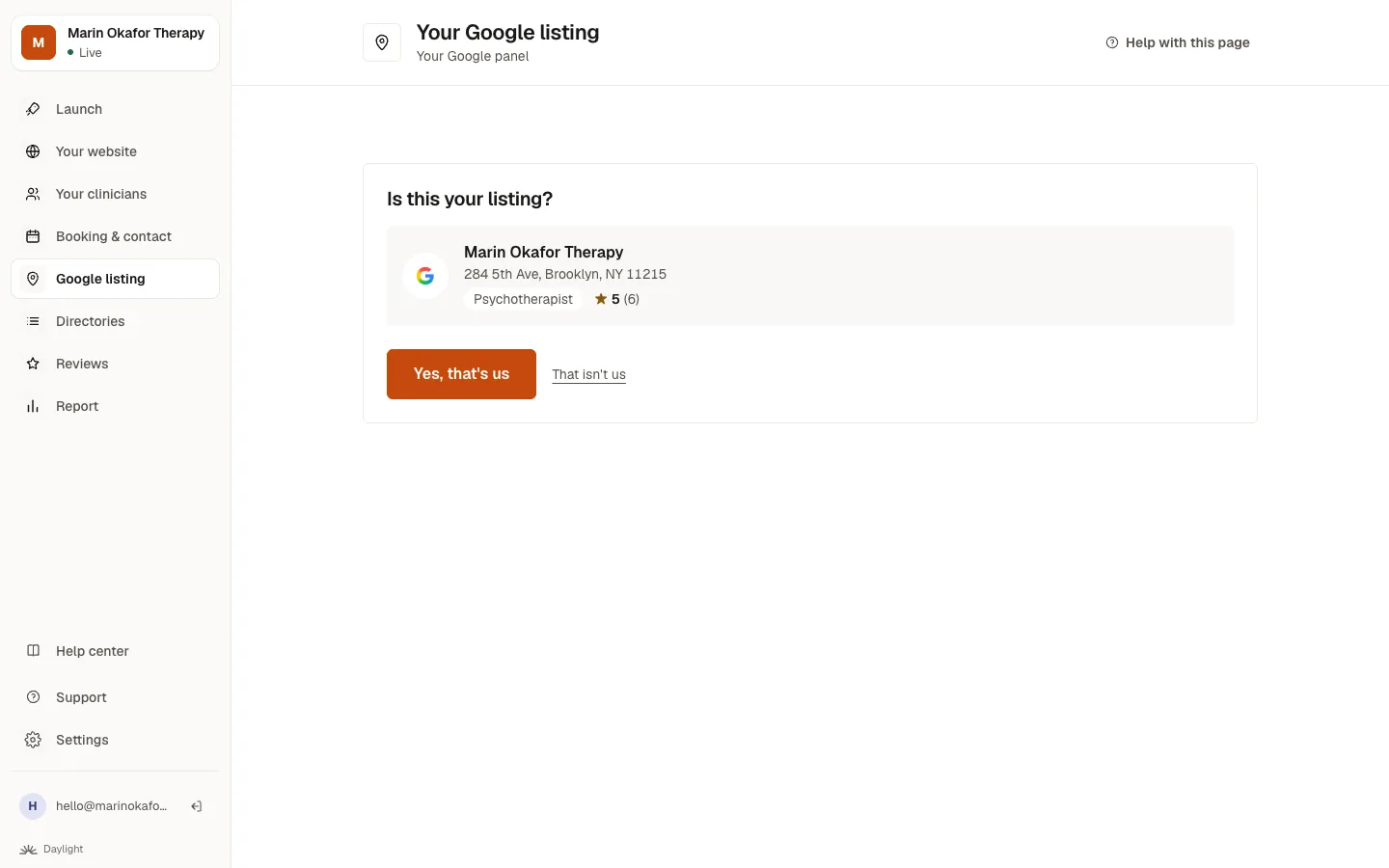
Google doesn't share everything publicly, so we may ask: Is the listing claimed? (Yes, I manage it or No, or I'm not sure), and to paste the description your listing has now. You'll find it in your Google Business Profile under Edit profile, then About. If your listing has no description, tick My listing has no description instead of leaving the box empty. Answer and click Save these. It only takes a moment and you only do it once.
Then
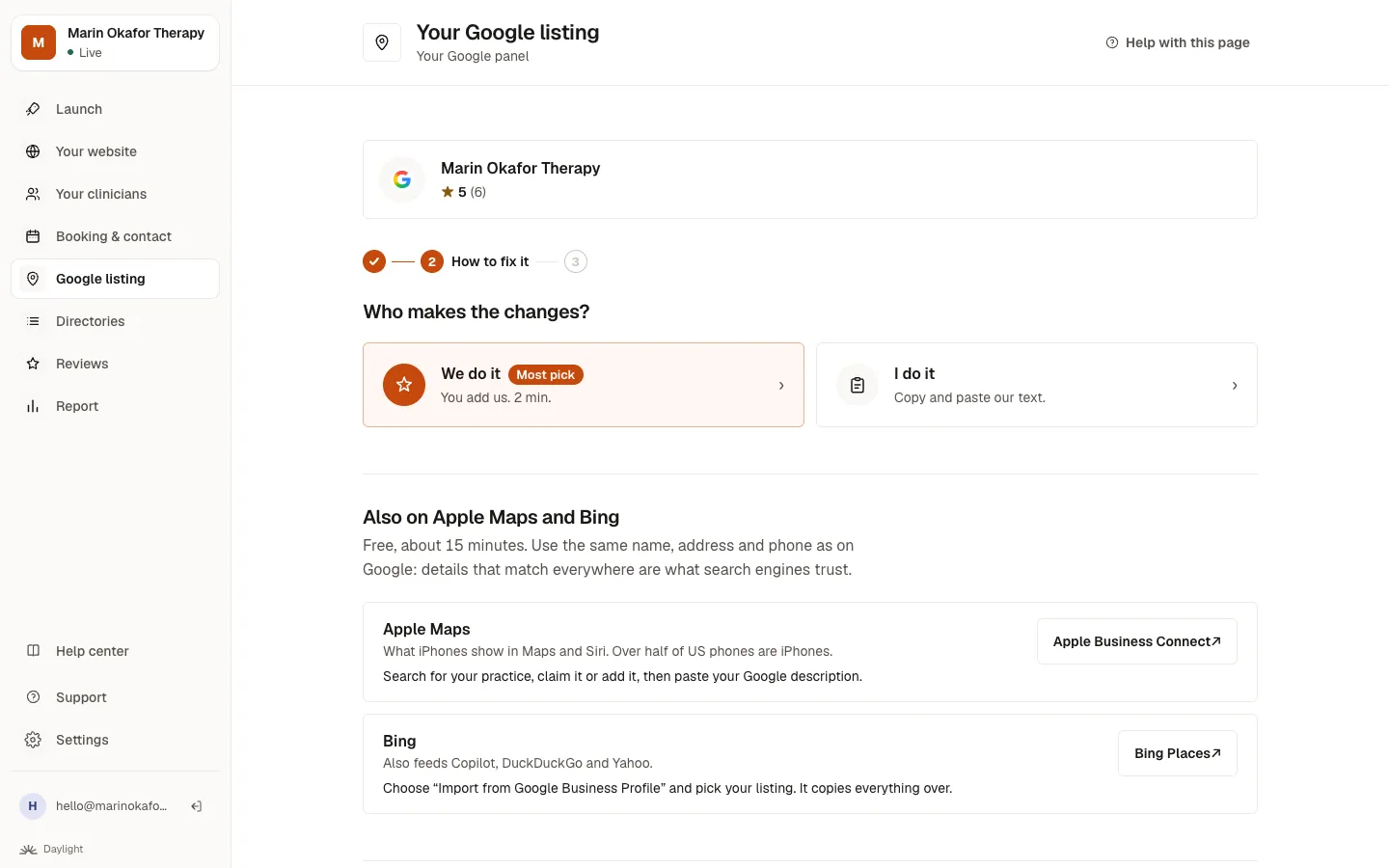
Click Fix these and choose who makes the changes: We do it (you add us, about 2 minutes) or I do it (copy and paste our text). Adding us · Doing it yourself
Wrong listing?
If the listing shown isn't yours, click That isn't us and search for the right one, or tell us you don't have one.
Related questions
Still stuck? Ask a person.
Tell us what you're trying to do. A real person reads every message and replies within a few hours.