How do you help with my Google listing?
Updated October 18, 2026
The short answer
We check your Google listing and write its description, categories and services. Then either you add us as a Manager and we make the changes, or you copy and paste them yourself. You can remove us anytime.
How it works
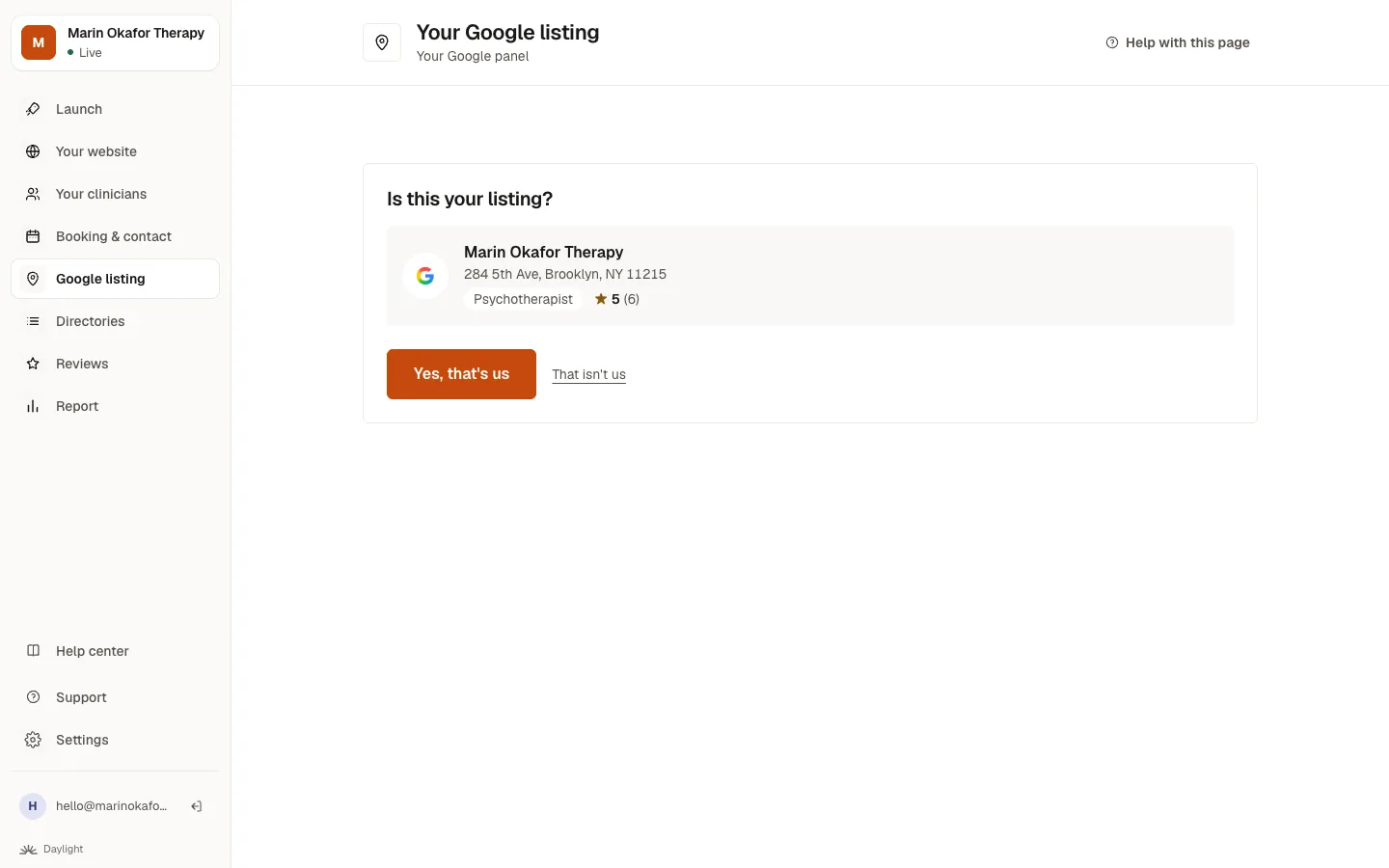
- Open Google listing and confirm the listing we found: Yes, that's us, or search for the right one. No listing? Choose We don't have a Google listing. Creating one
- See what needs fixing, and answer two quick questions if we ask. What the checks mean
- Click Fix these and choose We do it or I do it.
Which should I choose?
Only see clients online?
Google only lists practices that see clients in person. If you only work online, you aren't eligible for a listing, and an address where you don't see clients can get one suspended. Your directory profiles and website matter more for you.
On the two launch steps
On Launch, Confirm your Google listing and Complete your Google listing both open this same screen.
Related questions
Still stuck? Ask a person.
Tell us what you're trying to do. A real person reads every message and replies within a few hours.