How do I get my free report?
Updated October 19, 2026
The short answer
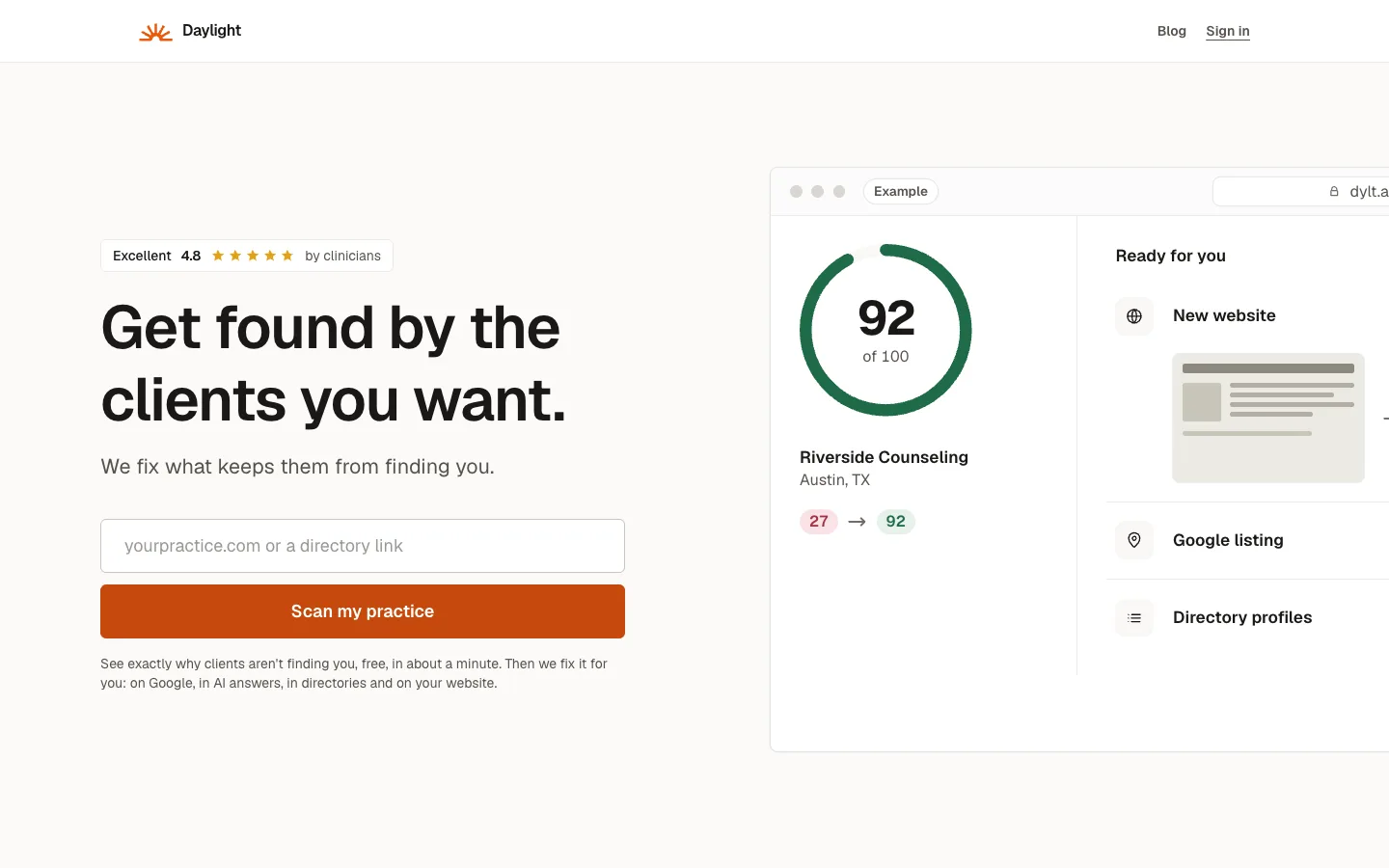
Type your practice's web address (or a directory profile link) on our home page, pick what you'd like to improve, and wait about a minute while we check. Then enter your email to get a 6-digit code that opens your report.
Step by step
- Go to dylt.ai and type your website, like yourpractice.com, in the box. No website? Paste the link to your Psychology Today, Headway, Grow or other directory profile instead.
- Click Scan my practice.
- Choose what you'd like to improve, such as Fill my caseload or More private-pay clients, then click Start my free scan. You can also start without choosing.
- Wait about a minute while we check your site, your Google listing, the searches clients use and what AI assistants say.
- Click Show me how, type your email and click Get my free report.
- We email you a 6-digit code. Type it in and click Show me my report.
If your profile is the only page you have
If you start from a directory profile, we'll ask which town you see clients in (you can leave it blank if you only work online). That helps us check the right local searches.
Your free website preview
Once your email is confirmed, we start building a preview of a new website for your practice, from what's already online about you. It's usually ready in under two minutes, and you can watch it come together.
We show it as soon as it passes our checks, then keep polishing. While you see Adding the finishing touches, the page updates by itself in a minute or so.
Only you can see the preview. Already have a website you'd rather keep? You choose that on the next page, under Your website. Choosing a plan.
Common questions
Is the report really free?
I didn't get the code. What now?
I stopped before typing the code. Can I still see my report?
Related questions
Still stuck? Ask a person.
Tell us what you're trying to do. A real person reads every message and replies within a few hours.